KLV View
Open KLV View from the playback controls to inspect the current metadata packet as JSON.
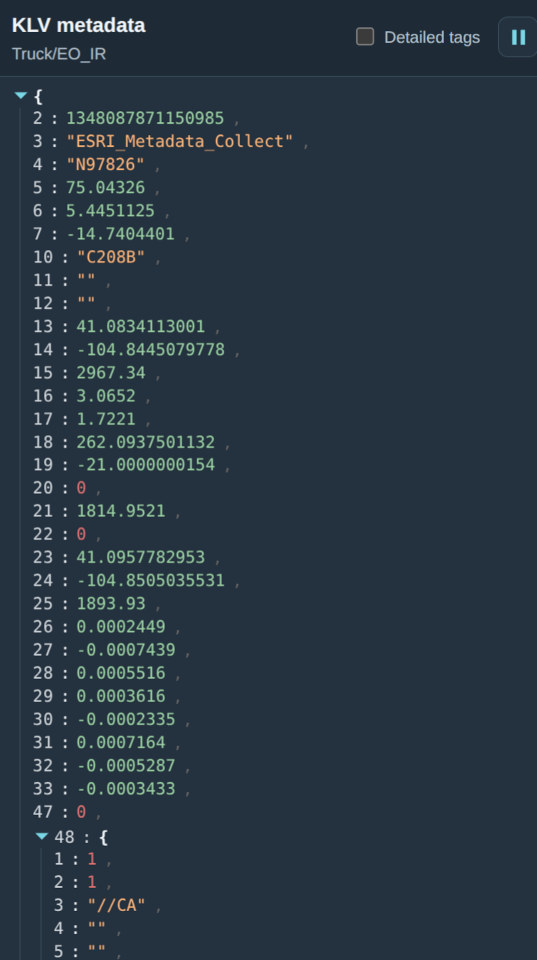
The screenshots use example metadata. Select Detailed tags to switch between the two display modes:
- Compact: tag numbers and their native values.
- Detailed: tag numbers, descriptive names, and formatted values.
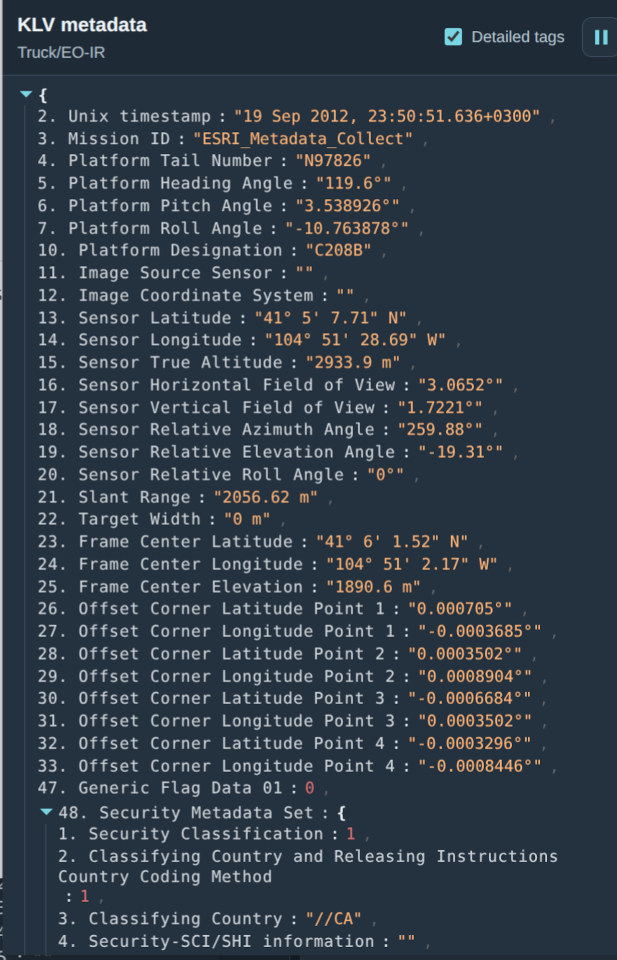
Use Pause metadata to freeze the displayed packet while inspecting it. Resume metadata continues updates; these controls do not pause video playback.
The information shown depends on the metadata present in the selected video. See 3D View for the fields needed to place an aircraft and its sensor footprint.