Exporting a video clip
Export a section of the selected sensor's recording as an MPEG-TS video clip.
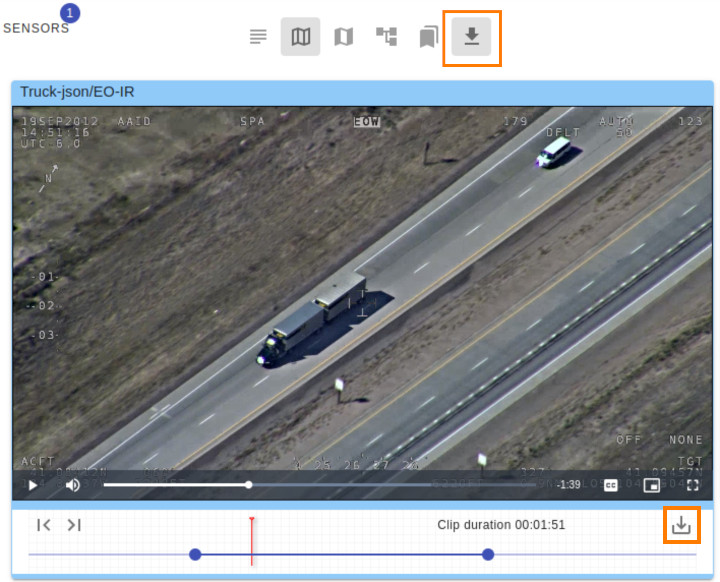
- Start playback and click Export Video in the toolbar.
- Seek to the section you want to export.
- Move the Mark In and Mark Out handles to set the clip boundaries, or use Set MarkIn and Set MarkOut during playback.
- Click Export clip.
- Save the downloaded file. Its location depends on your browser's download settings.
The filename follows the pattern missionName-sensorName-markInPos-markOutPos.ts. The export retains KLV metadata when it is present in the source video.