🌐 STANAG ON DEMAND Server Integration
StPlayer can operate as a client for the STANAG ON DEMAND SERVER.
The integration provides:
- 🎯 Frame-accurate playback control
- 🔄 Synchronized video and metadata (KLV) playback
⚙️ Configuration
Access VOD server controls via the VOD option in the top menu.
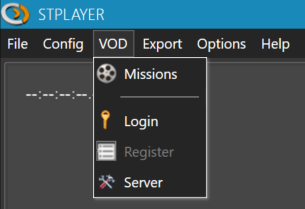
Selecting the Server
- From the VOD menu, select Server.
- Choose the desired server from the list.
- Click the URL text field to add or remove server entries.
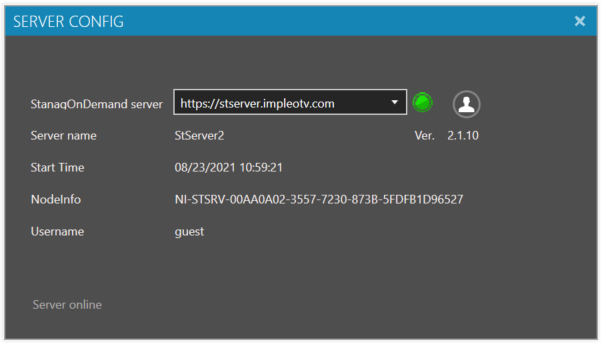

🔐 User Login
If you have a server-side user account, log in via the Login menu.
If not, you will be logged in as a guest by default.
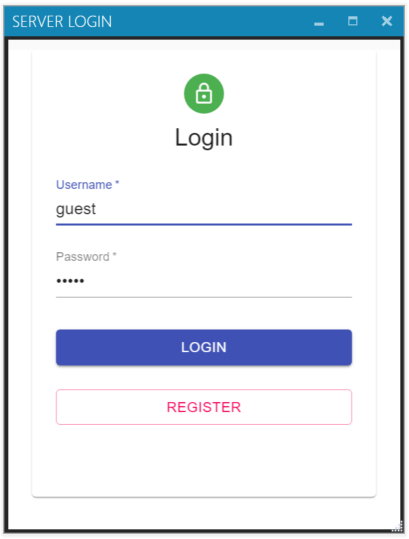
🔒 Note:
Users must be created on the server by an administrator.
Accounts can be assigned to different permission groups.
🎯 Missions
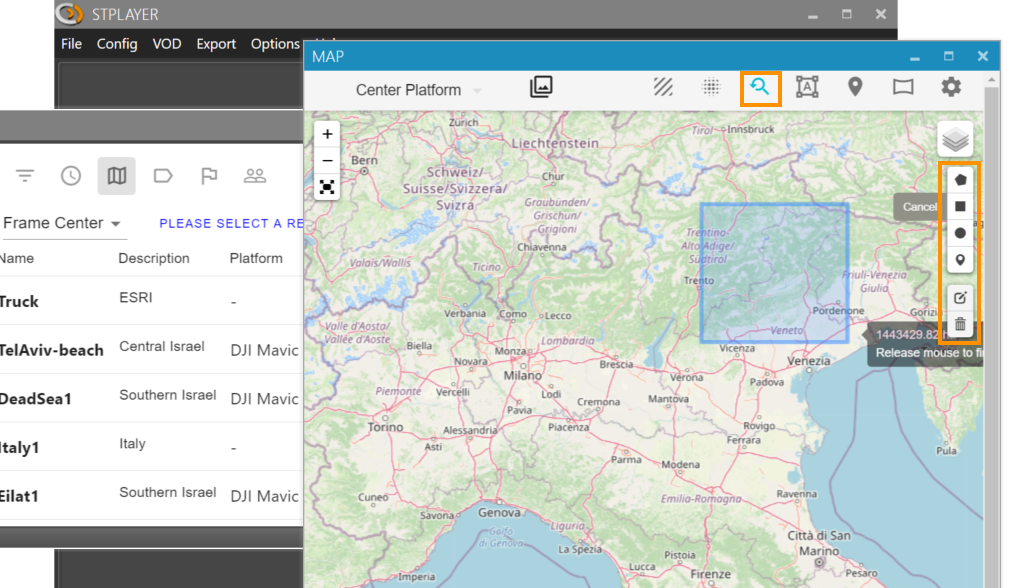
Use the Mission Table to search and filter available missions based on various parameters.
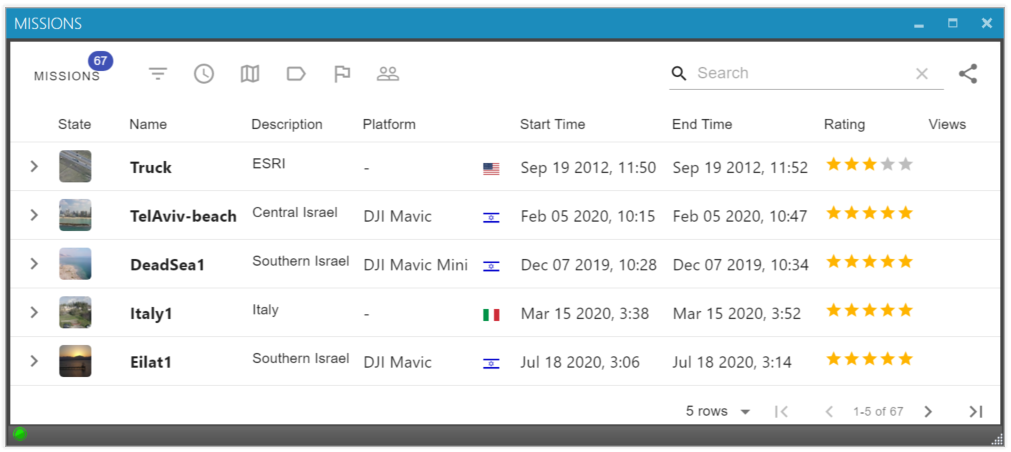
For geo-spatial filtering, use the drawing tools available on the map interface.
🗺️ Geo Query Modes
There are two geo query modes depending on context:
-
Mission Filter Mode
Filters the Mission Table according to the selected geographic area. -
Video Coverage Query
Shows coverage for the currently selected mission.
🧠 Mode Selection Behavior:
- If the Mission Table is open, drawing on the map performs mission filtering.
- If it is closed, drawing will perform a video coverage query (see Video Coverage).
▶️ Playback
To begin playback:
- Select a mission, or
- Select a specific sensor inside the mission
StPlayer will begin frame-accurate playback with metadata synchronization.