🔍 Filtering VOD Missions
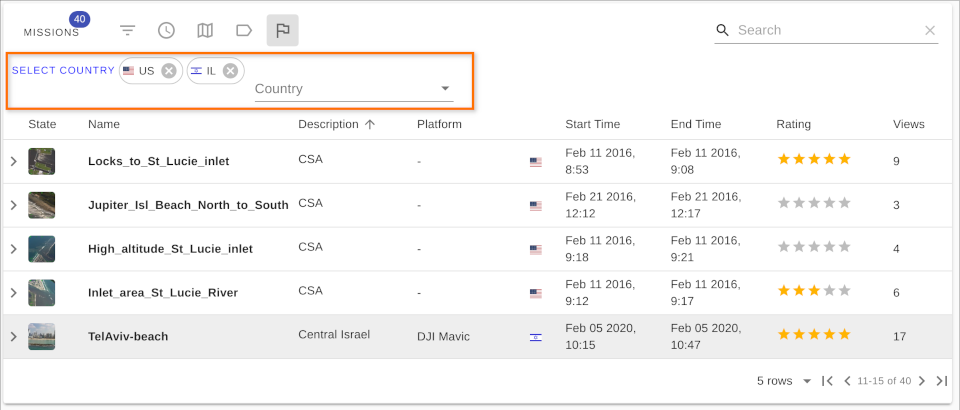
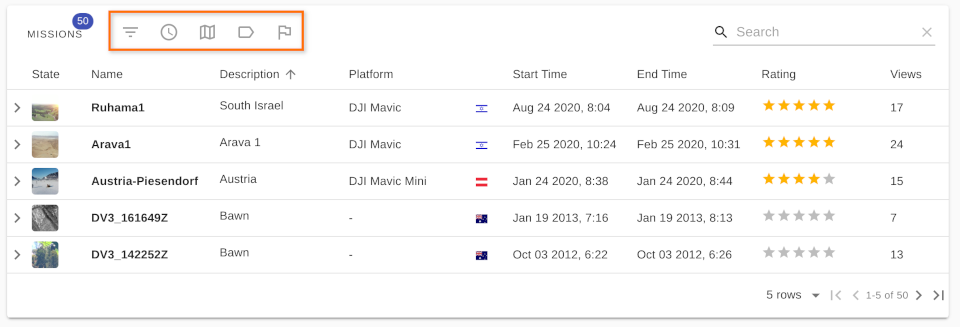
At the top of the Missions Table, you’ll find several filters that help narrow down your search to only the most relevant content.
You can create a custom filter using a combination of the following:
- ✅ Inline column filters
- ⏱️ Mission start and end time
- 🌍 Geo queries
- 🏷️ Tag filtering
- 🗺️ Country filtering
🧠 Note: Filters are stored in session storage, so they are reset when the browser tab is closed.
✏️ Inline Filtering
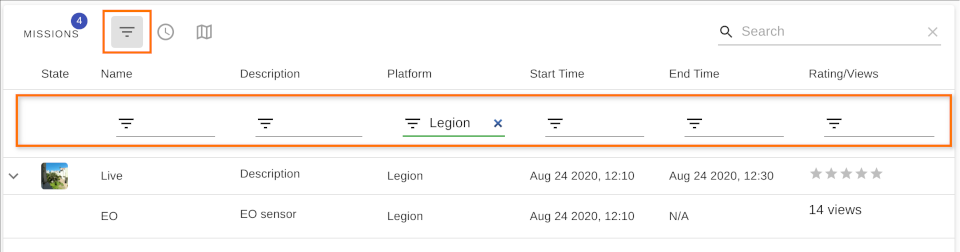
You can type directly into the header of each column to filter data individually.
⏰ Time Filtering
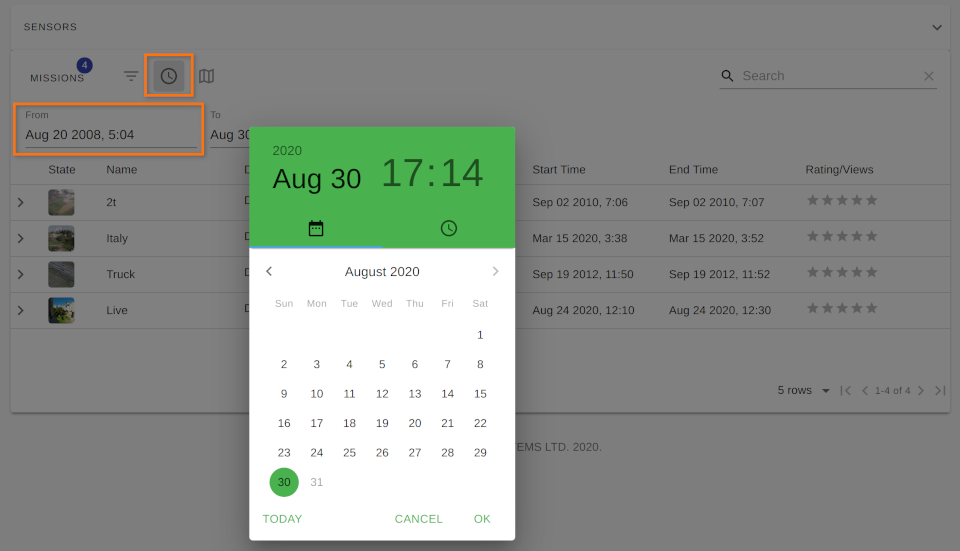
Use the date pickers to filter missions by start and end time.
🌐 Geo Filtering
Draw areas on the map to filter missions based on geographic coverage.
For more details, see Geo Query Modes.
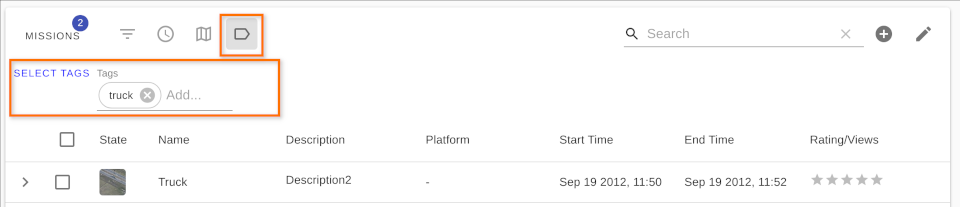
🏷️ Tag Filtering
Select one or more tags from the dropdown to filter missions by tag metadata.
🌍 Country Filtering
Select one or more countries from the list to filter missions by country code.