🎯 VMTI (MISB 0903.X)
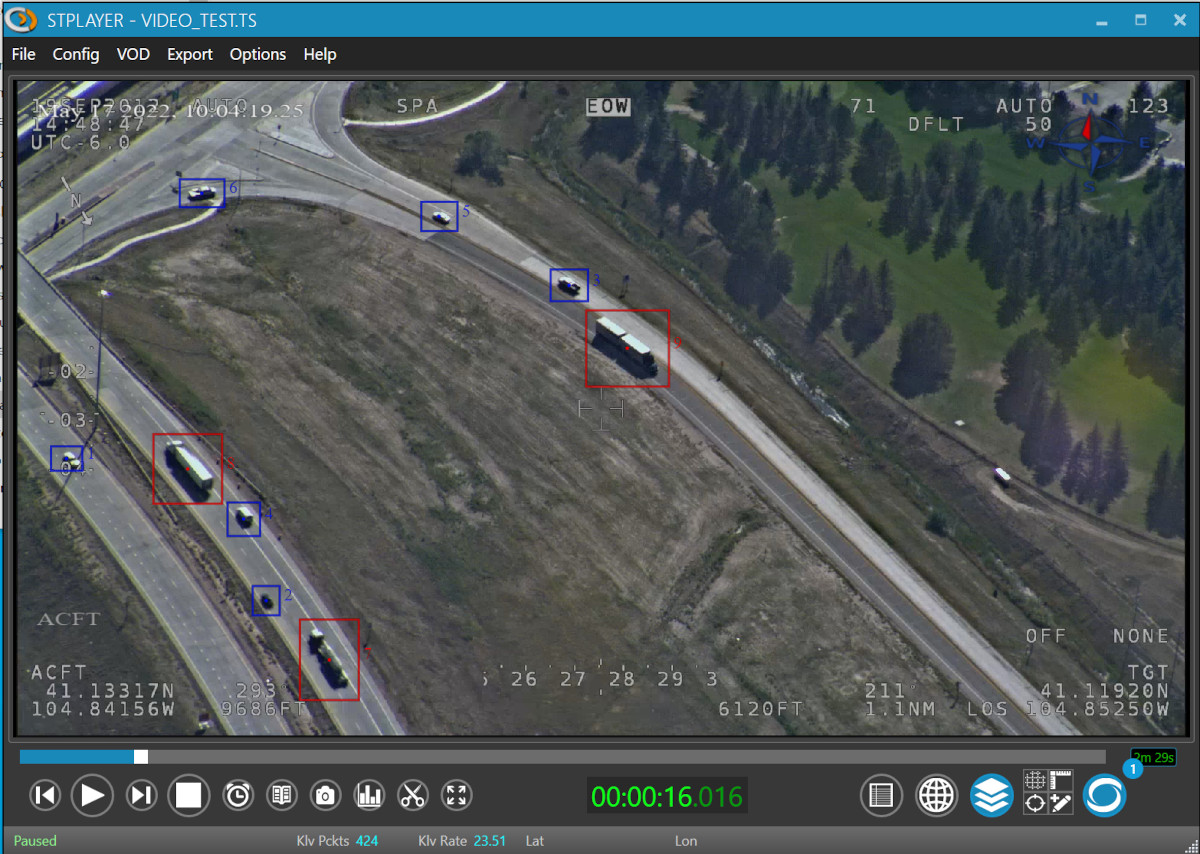
StPlayer supports the presentation of VMTI (Video Moving Target Indicator and Track Metadata).
If VMTI data is present in the stream, detection and tracking information will be overlaid on both the video and the map.
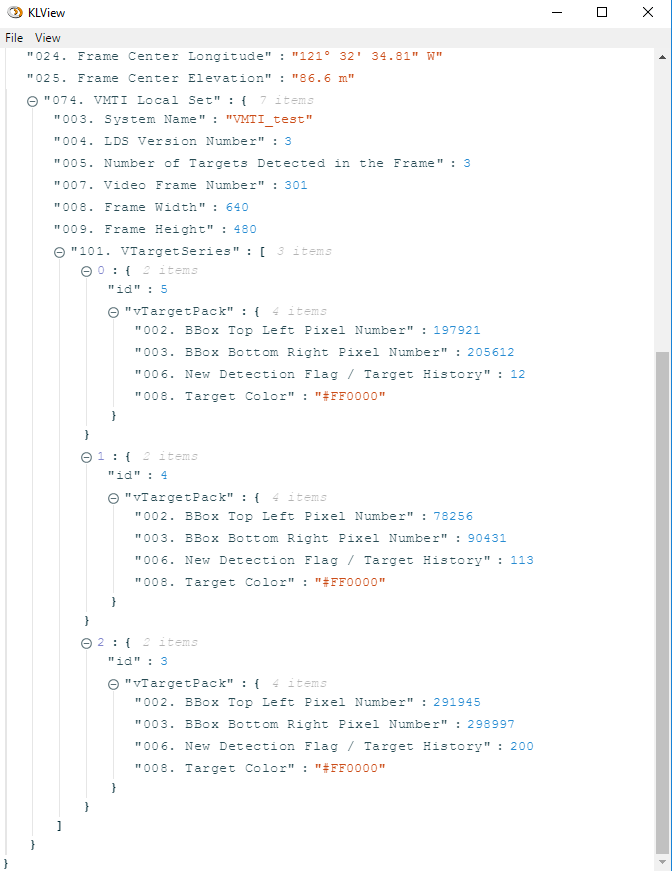
🧪 Previewing VMTI Metadata
You can inspect raw VMTI metadata using the KLV Monitor window:
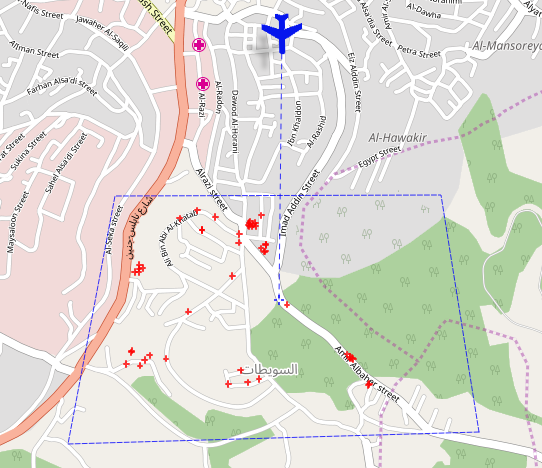
🗺️ VMTI on the Map
If the metadata contains relevant geo-location data, the Map view will show: - Target center - Bounding box - Track information
If only the target center is available, it will appear as a cross:
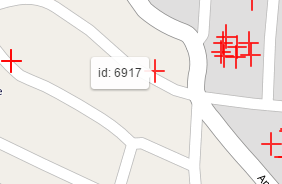
🆔 Identifying Targets
To get a Target ID, simply hover your mouse over the marker:
⚙️ Disable VMTI on Map
You can disable VMTI presentation on the map via the Settings dialog:
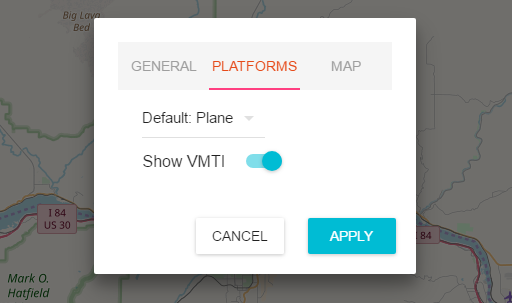
This may be helpful when:
- The stream contains too many targets
- The map performance is impacted
- VMTI info is not relevant for your use case