🌍 Google Earth Tour Export
StPlayer allows you to export telemetry data as a Google Earth Tour.
To do this, click Export → Movie as GE Tour to open the configuration dialog.
Steps:
- Browse to the target folder and enter a
.kmzfilename for the tour. - Choose the 3D model, set its scale, and define the trail duration.
- Select the export range based on the video duration.
- Click Start Exporting.
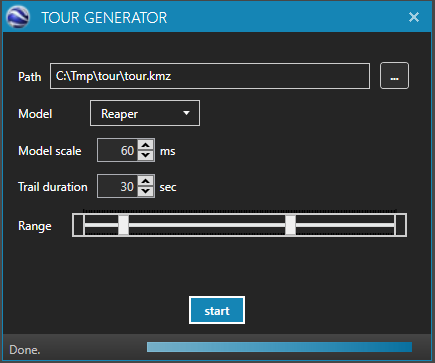
StPlayer will generate a .kmz file that can be opened with the Google Earth desktop application or viewed online.
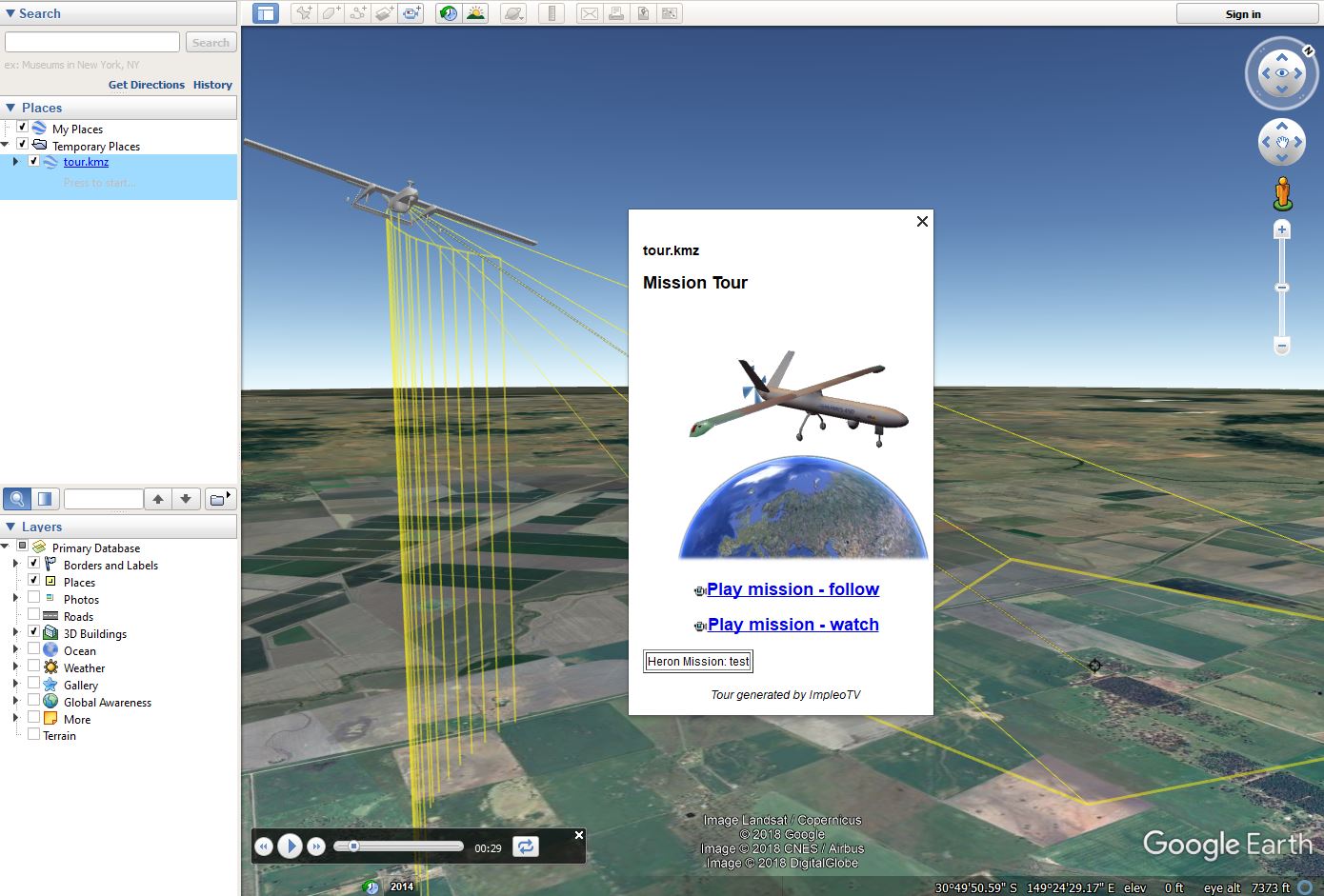
Playback Modes
You can select one of the following camera perspectives:
- Follow UAV – The camera tracks the UAV in real time.
- Side View – Offers a lateral view of the UAV’s flight path.