Map Window
If the current KLV packet contains geographic information, KLV Inspector can visualize the platform position, frame center, and sensor footprint on a map.

Figure: Button used to open the Map Window.
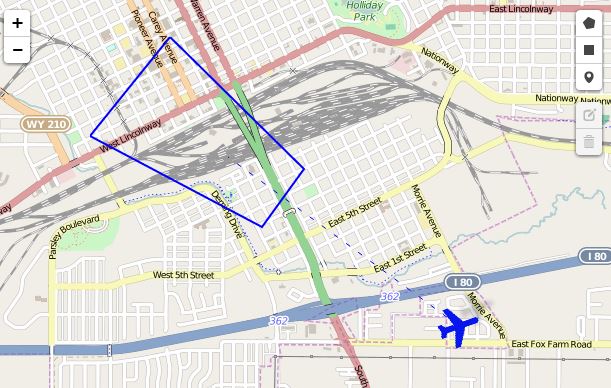
Figure: Map Window with geo-referenced metadata.
Online map usage requires internet access.
Offline Map Tiles
KLV Inspector can also use locally stored map tiles.
One practical way to prepare those tiles is with Mobile Atlas Creator, exporting in OSMdroid ZIP format.

Figure: Preparing offline map tiles with Mobile Atlas Creator.
The expected directory structure is:
{atlas_name}/{z}/{x}/{y}.png
After extracting the atlas, either copy it into the KLV Inspector map tile directory or update the application configuration to point to the local tile folder.

Figure: Offline map folder configuration.