JSON And GeoJSON
KLV Inspector includes dedicated JSON and GeoJSON workflows for users who need structured metadata outside the main packet view.
JSON View
Open the JSON view window to inspect the current packet in structured form.

Figure: Opening the JSON view.
Two JSON modes are available:
- Compact: tags only, with native values
- Detailed: tag numbers, tag names, and more readable values
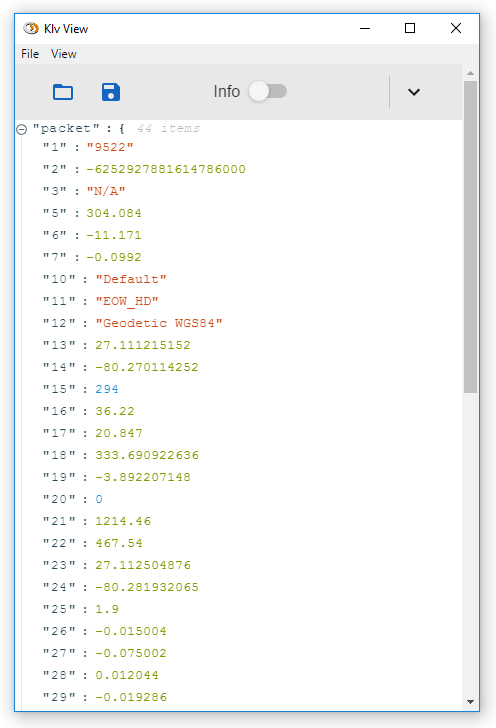
Figure: Compact JSON view.
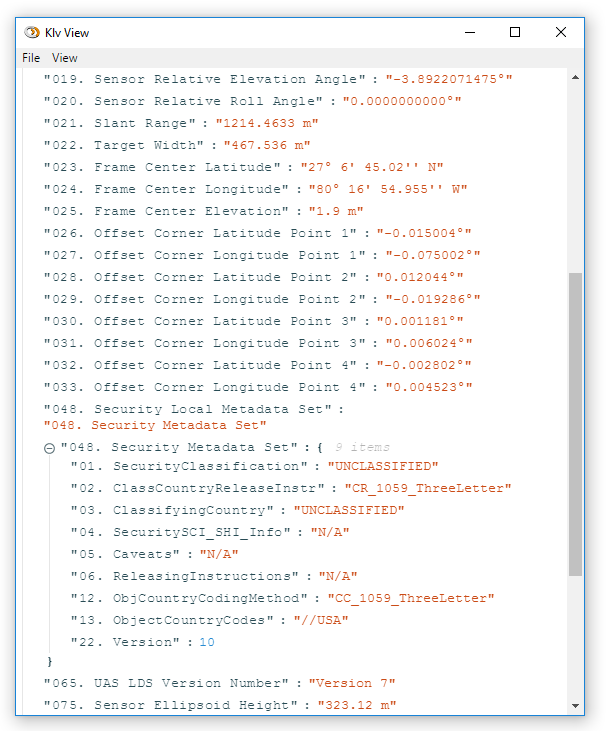
Figure: Detailed JSON view.
You can open multiple JSON windows at the same time. The currently selected packet in the main window is mirrored into those JSON views, and packets can also be loaded directly into the JSON view.
GeoJSON Export
KLV Inspector can export the current packet as GeoJSON for easy use in external map software.
The exported file can include:
- mission and platform descriptive information
- sensor position
- footprint geometry
- frame-center location
- target information
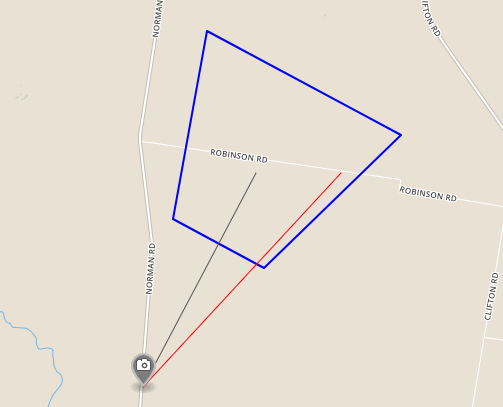
Figure: GeoJSON output generated from the current packet.