Getting Started
KLV Inspector is designed to make STANAG 4609 and raw KLV analysis practical. A typical session starts by opening a file, choosing the KLV PID, and then navigating through decoded packets while the synchronized raw views remain visible.
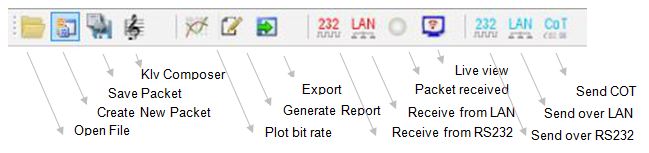
Figure: Main menu and primary entry points.
First Session Workflow
- Open a STANAG 4609 file from
File -> Open, or drag and drop the file into the application. - Let KLV Inspector analyze the stream structure.
- If the file contains more than one metadata PID, select the PID you want to inspect.
- Review the packet viewer in both hexadecimal and decoded forms.
- Turn on highlighting to distinguish KLV key, length, and value regions.
- Click a field in one view to locate the same bytes in the synchronized views.
What You Can Do Immediately
- Save the current packet to a binary file
- Load previously saved KLV packets back into the tool
- Search within the current packet data
- Export selected packet ranges for further processing
- Open JSON, map, or video views for additional context
The application keeps the raw and decoded representations aligned, which is one of its main advantages when debugging malformed metadata or validating encoder output.