Raw Packet Export
Use rawPckt to export each KLV packet as an individual binary buffer.
File Output
StExporterProc.exe -i C:\Movie\StanagFile.ts -o C:\Movie\frames -k rawPckt
Generated files use this naming convention:
frame_[frame number]_klv_[packet number]-[KLV PID].bin
Example:
frame_1_klv_1-0X1E2.bin
If more than one KLV PID is present, the PID is included in each filename.
You can enable video preview by adding -v.
UDP Output
You can also send raw packets directly to a UDP destination:
StExporterProc.exe -i udp://227.1.1.1:30120 -o udp://127.0.0.1:1234 -k rawPckt
Packets from all KLV PIDs are sent to the same destination.
Live View With KlvInspector
The original manual recommends using KlvInspector for live viewing and raw-packet stream capture.
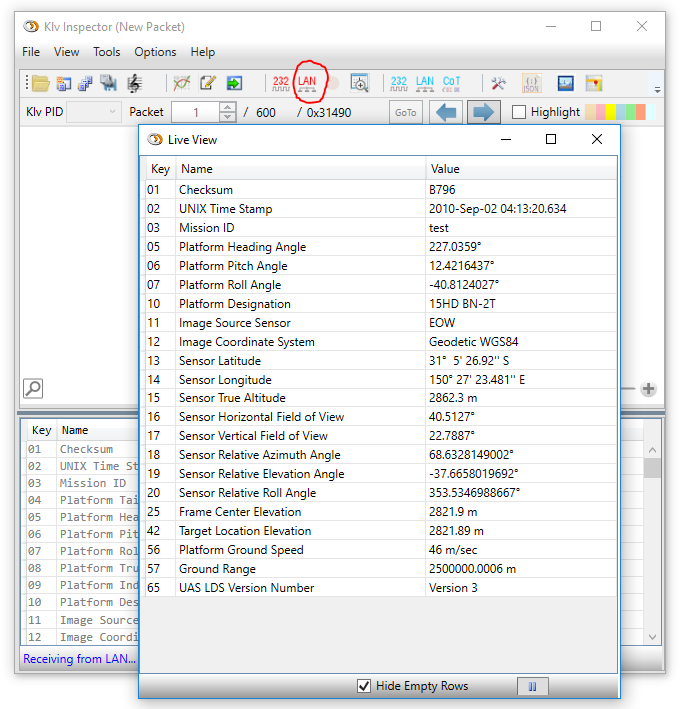
Figure: KlvInspector live view used together with StExporter raw packet output.